Brand kit
One identity, across your creations.
Your logo, colors and typeface form a reusable kit. Prepare an identity for your project, then find it when composing a poster, post or video. Creations retain their layouts and take on the colors of your visual identity.
In three moves
Prepare your identity
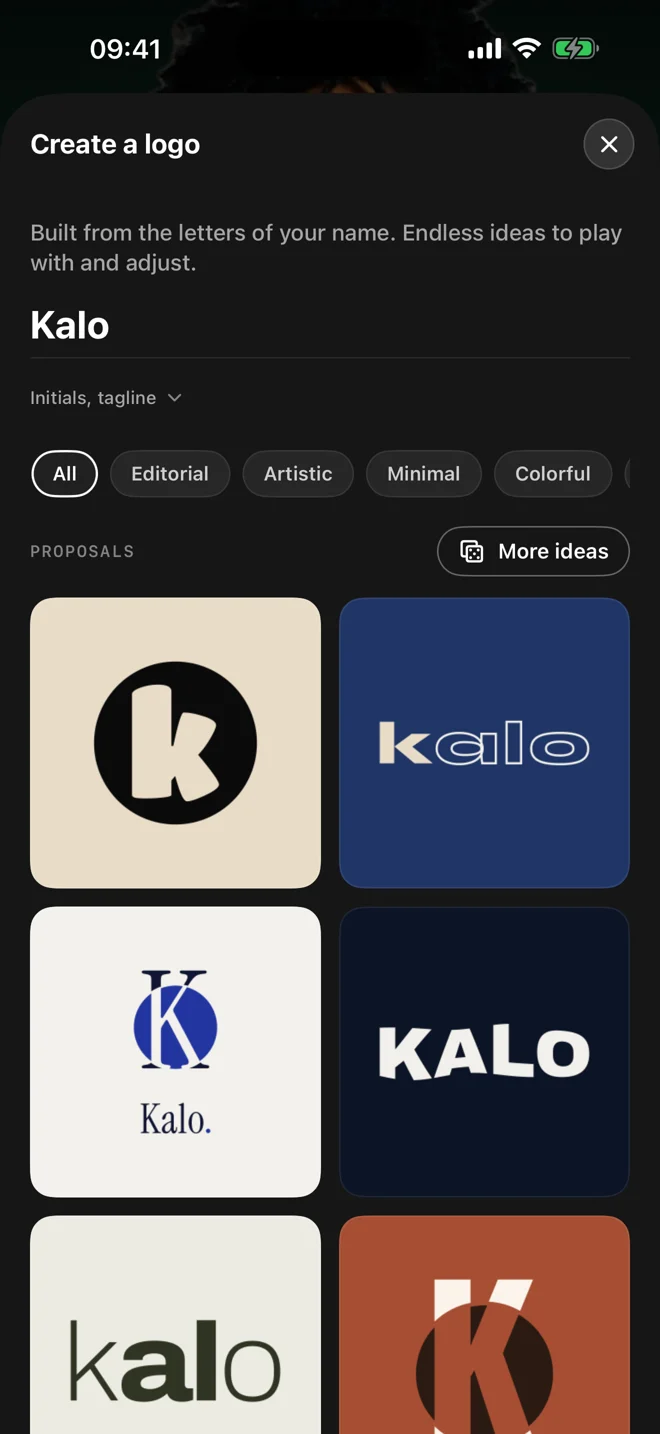
Create a logo from your name or import your own, then choose a palette and typeface.
Apply the kit
Use your identity in templates and workshops to prepare a consistent set of creations.
Choose a signature
Add your logo in a corner or a closing signature where it suits the content.
One kit, several formats
To announce a collection, prepare a poster, story and carousel with the same palette. The template supplies the composition; your kit supplies the visual cues that connect the creations.
Choices you control
Check contrast against your photos and adjust the elements in the editor. A consistent identity does not require a logo everywhere: choose its presence for each piece. Brand settings are managed in the app.
Questions about this use
Can I use an existing logo?
Yes. Import your logo into your identity, then set the colors and typeface. You can also create a logo from your project’s name.
How is this different from the logo maker?
The maker creates a logo. A kit stores several parts of your identity and lets you reuse them across your creations.