Instagram carousel
Carousels that read from one page to the next.
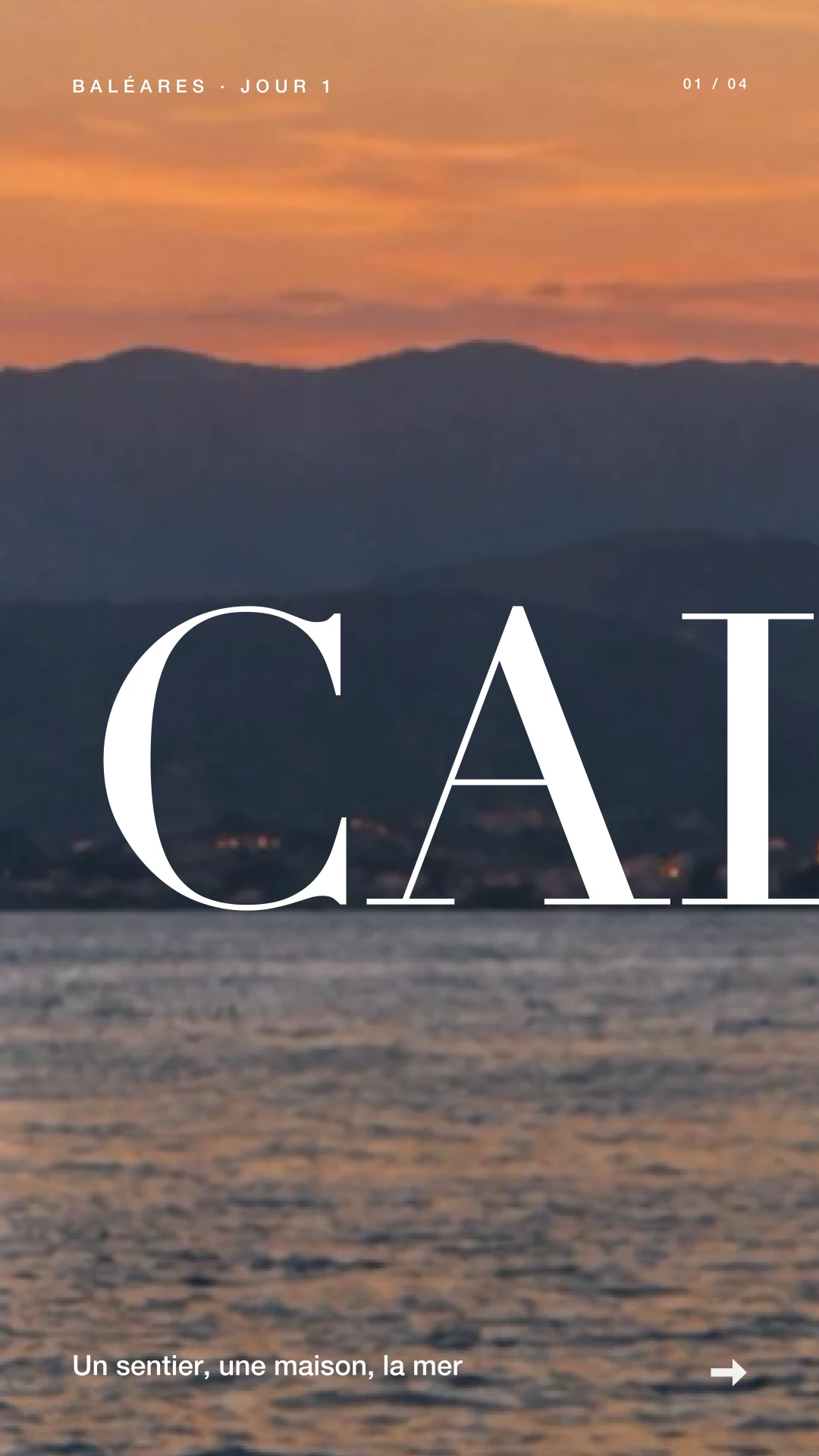
Motionless's image mode, composes pages that follow each other: title, photos, closing page. Panoramas run across pages without a seam, so people keep swiping.
In three moves
Pick a carousel
A carousel template, or “Your photos” to start from your own images: the pages arrive already composed.
Change the text and photos
Every page is editable: text, photos, colors, look. Adjust the elements in the editor.
Export the pages
One image per page, as JPEG, PNG or HEIC, in portrait or square. Save to Photos or share straight away.
In the app
- Seamless panoramas: a photo or a date that runs across pages.
- Photo looks, stickers, frames, your brand colors.
- Portrait and square for the feed, native 9:16 for stories.
- Same engine as video: what you see is what you export.
Think about the flow between pages
Open with a clear image or title, develop the idea on following pages and keep the ending readable. A panorama can cross pages; check every join and avoid putting essential information directly on a split.
Questions about this use
Is the result a video?
A seamless carousel is a sequence of still images to swipe through. Export the pages, then add them in order when creating your post.
Can I change the text and photos?
Yes. The composition’s elements remain editable. Adjust content and colors to suit your project.