Tap, and it's all there.
Tap an element and its settings appear right below. Double-tap a text to type on the video, pinch to resize it. What you see is exactly what you export.
Pick photos, videos, or both. Explore creations in several styles, as images or videos. With music, animations follow the tempo. Pick one, then make it yours.
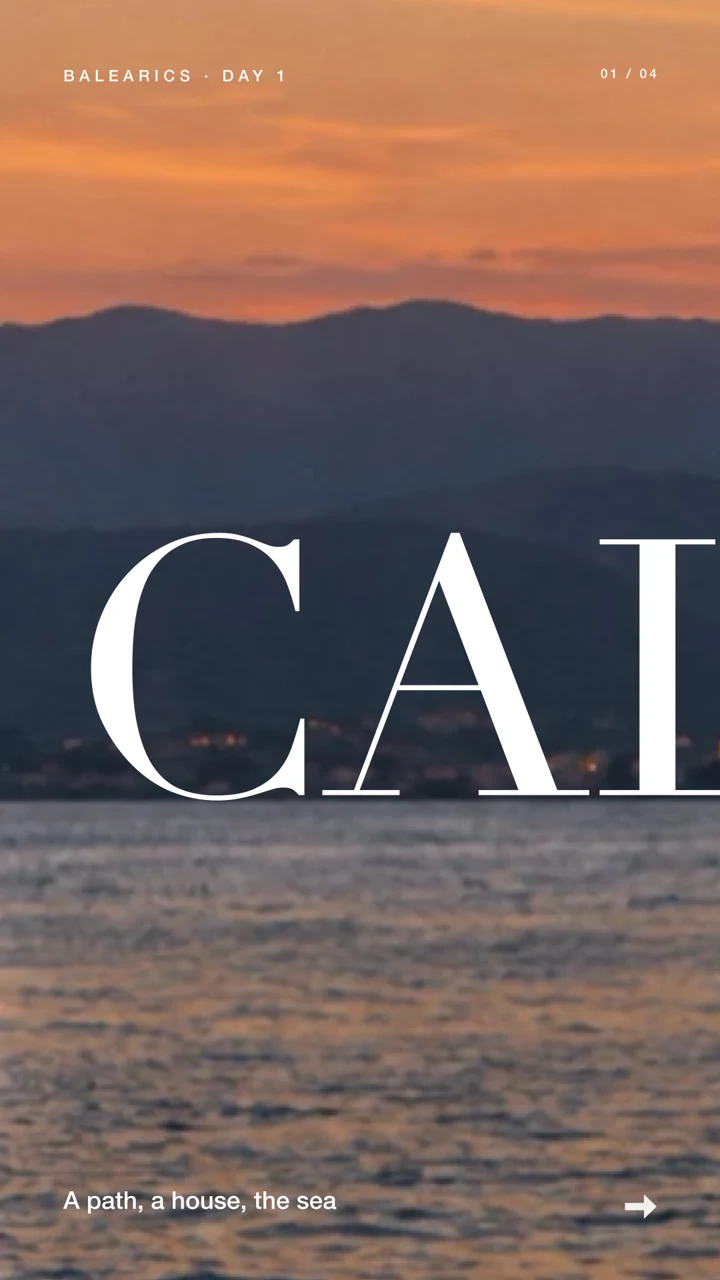
Behind you cuts out the subject of your photo, on your device, and sets it in front of a giant title.
A wish, an occasion, a need: write it in your own words. Ready-made videos arrive, already written for you. All that's left is to choose.
With Apple Intelligence on compatible devices, your request is processed on your device. Elsewhere, a simpler analysis takes over.
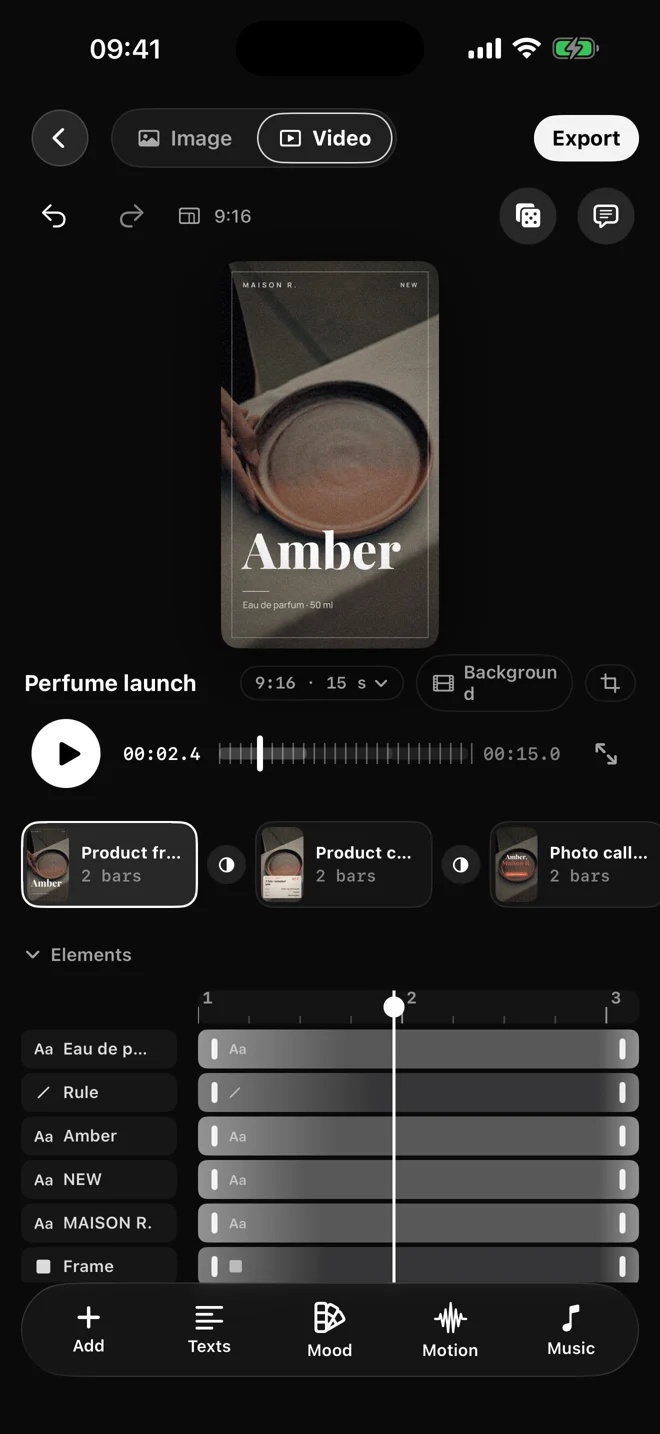
Tap an element and its settings appear right below. Double-tap a text to type on the video, pinch to resize it. What you see is exactly what you export.
By block, line, word or letter. Every animation previews on your own text and locks to the tempo of your music.
Write what you want to change, “midnight blue background”, “slightly bigger titles”, and the editor takes care of it. Everything stays editable, every step can be undone.
When you want to go further: a real timeline, keyframes, easing curves, a photo or video background, one-tap cutouts.
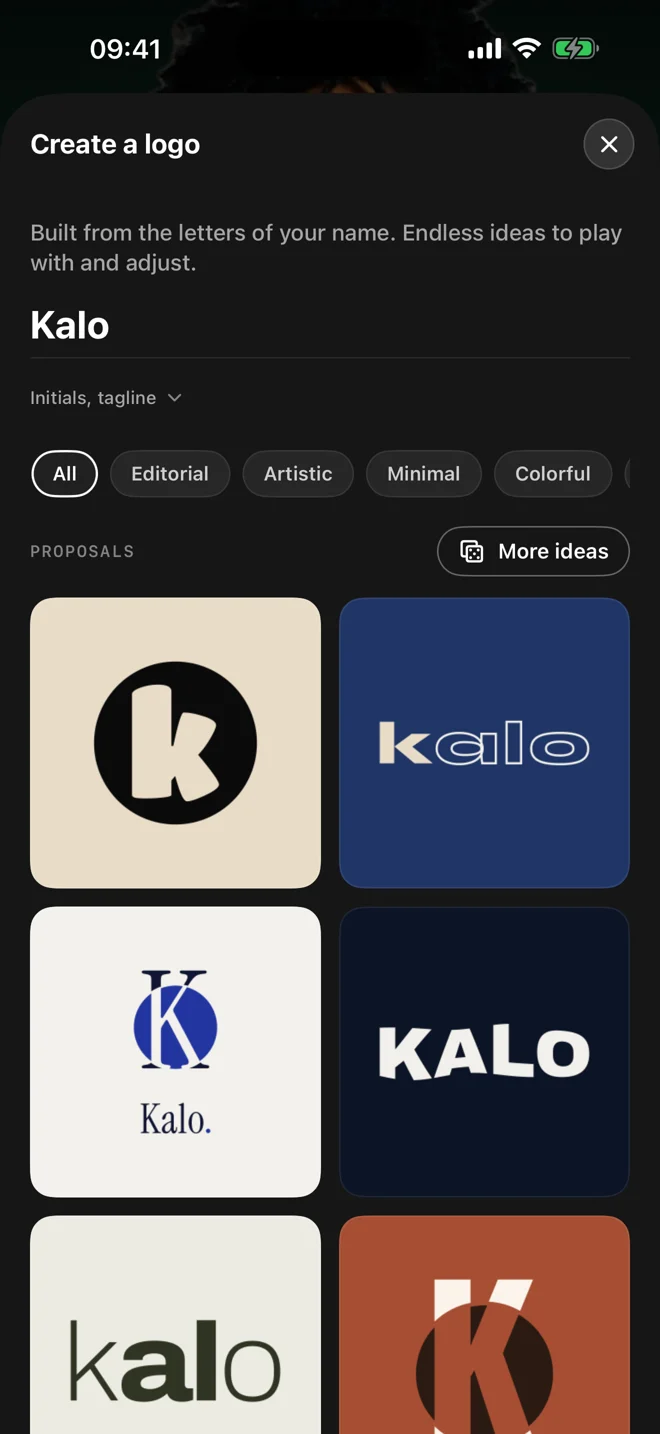
Create a logo from your name, or import your own. Your logo, colors and typography carry through your creations, in images and videos alike.
Story, post, square or landscape: the layout follows. Export MP4 up to 4K at 60 fps, images and series of pages, or transparent video for your editing software.
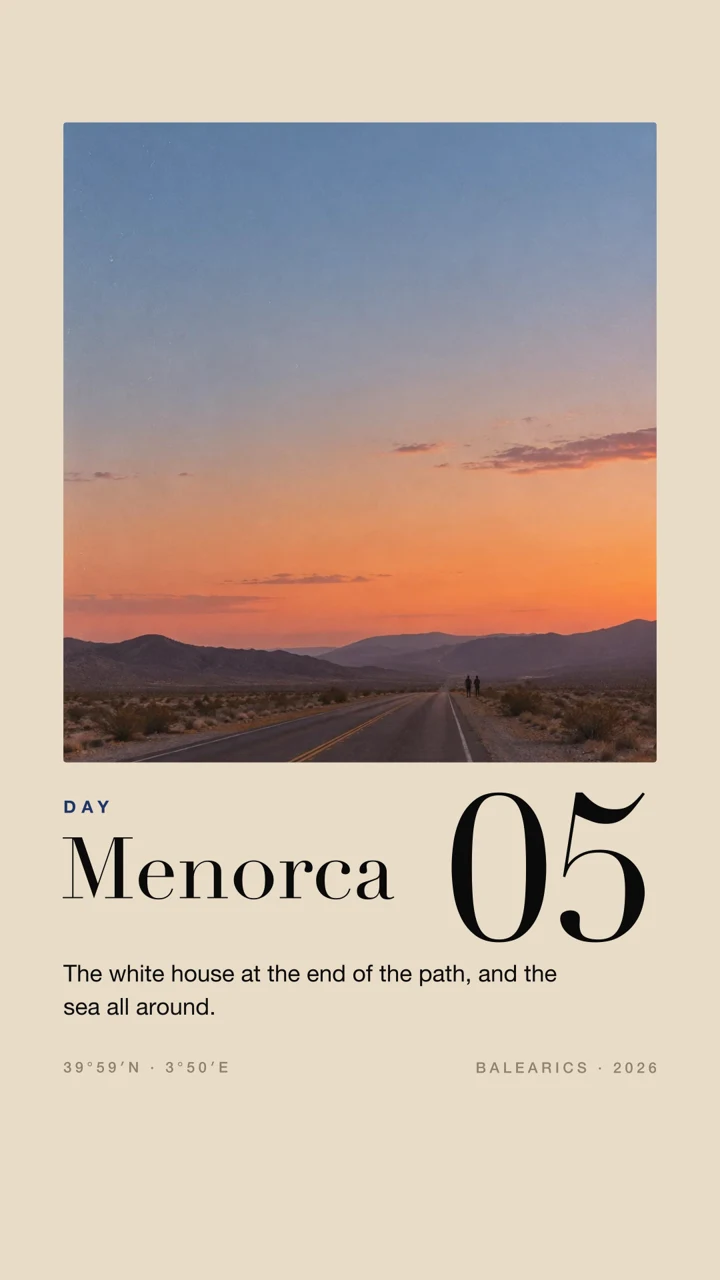
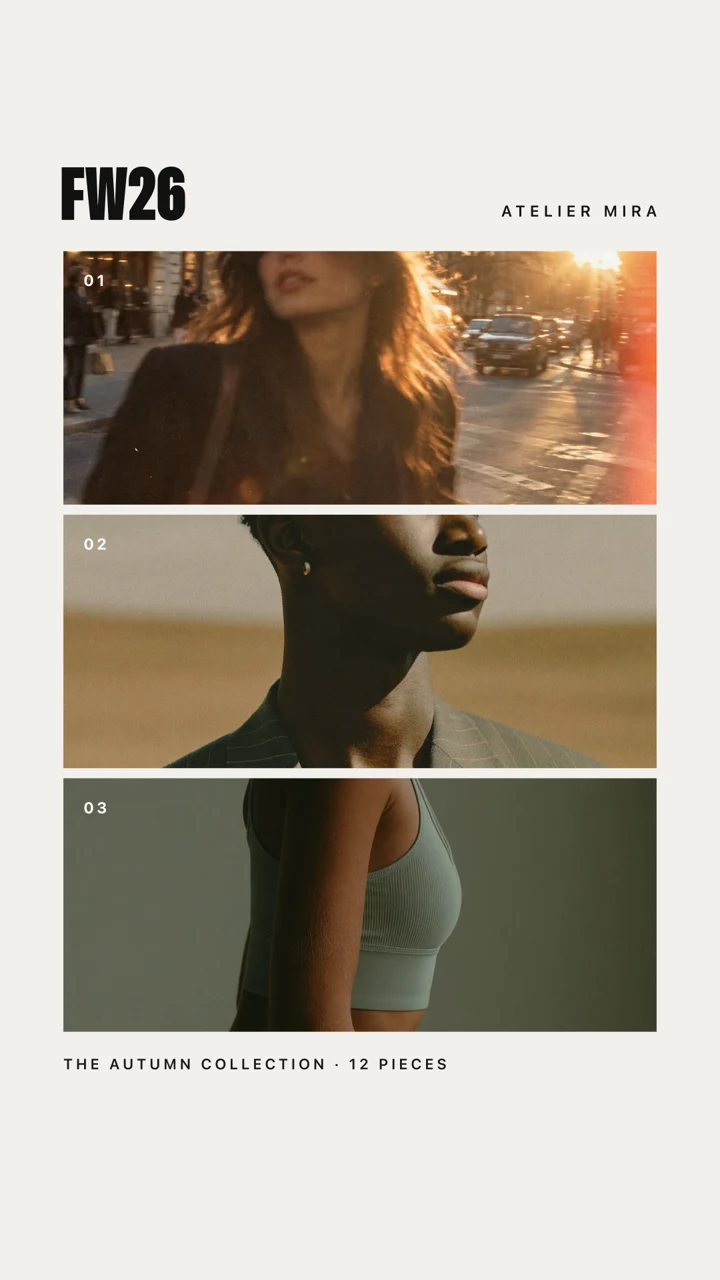
A poster, a carousel, a photo series. Compose a still image, or switch to video. Explore templates, looks and your own colors.
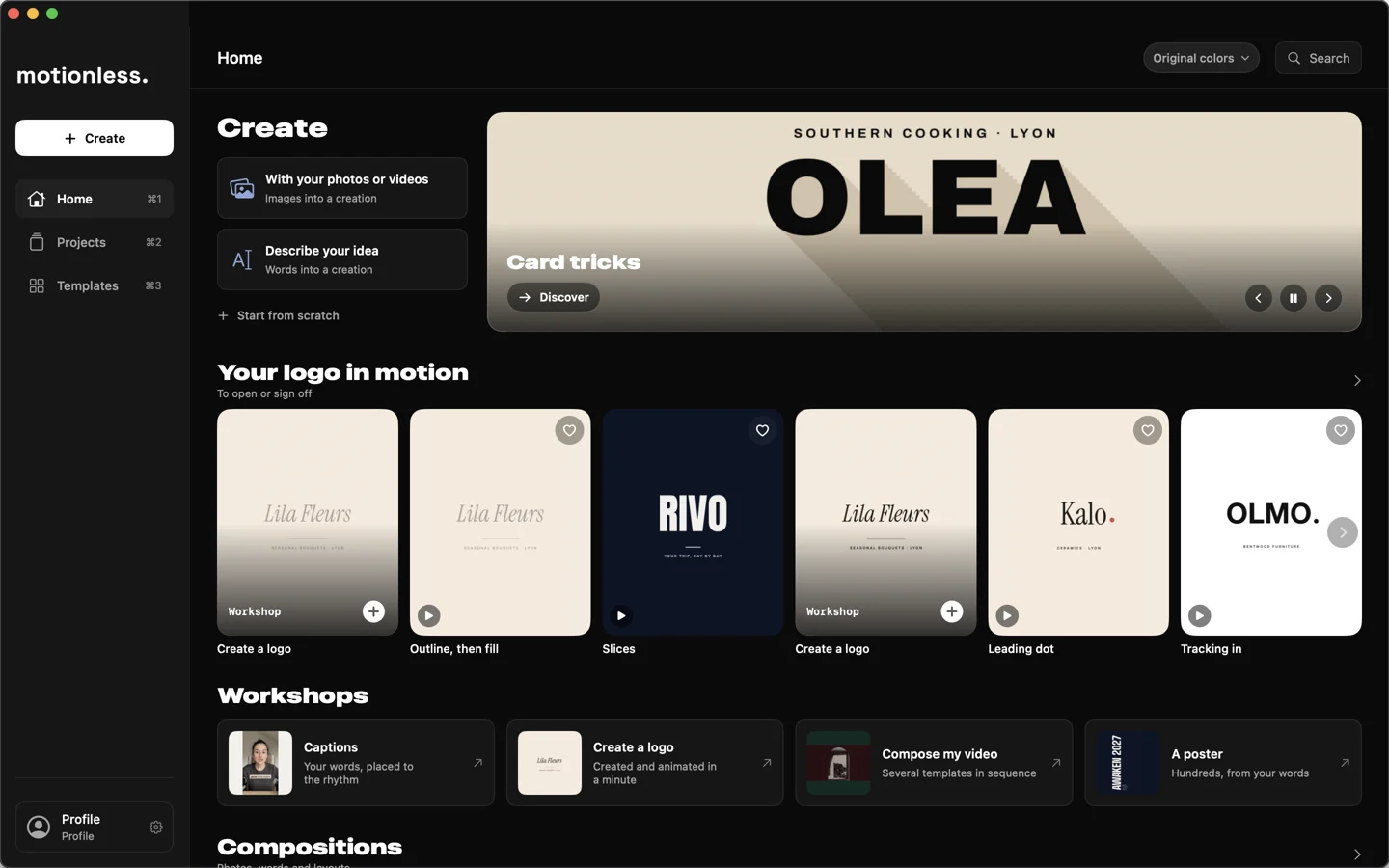
The same engine, built for keyboard and mouse. Your projects, workshops and collections are close at hand in the new home screen. Drag images in from the Finder. With iCloud, your projects follow you to iPhone and iPad.
Free. No account. No data collected.
Privacy →Yes. Motionless is a free download on the App Store, with no account and no ads, and every feature of the current version is free.
Yes, on iPhone, iPad and Mac, with the same rendering engine. On Mac: full menus, keyboard shortcuts, multiple windows and drag and drop from the Finder. On iPad: Apple Pencil. It requires iOS 18, iPadOS 18 or macOS 15 or later. Turn on iCloud and your projects follow you across devices.
Choose Your photos, then select photos, videos or both. Motionless suggests several creations as images or videos. More ideas refreshes the suggestions. Everything stays editable. You can also share a selection to Motionless from the Photos app.
Yes. Choose Image to create posters, photo compositions and seamless carousels. Text, photos and colors stay editable. Export images as PNG or JPEG, or your pages as PDF.
Describe the video you want, for example “invite my friends to my 30th birthday”, and Motionless suggests ready-made videos, already written. On compatible devices, your request is read by Apple Intelligence, on your device. Otherwise, a simpler analysis, also on your device, takes over, so the feature is always available.
Story, post, square or landscape: several aspect ratios are available depending on your creation. Export MP4 video up to 4K at 60 fps, PNG or JPEG images, or PDF pages. Transparent video export is also available for editing and compositing software.
Yes. Music is included, or import your own (MP3, M4A, WAV…). Motionless detects the tempo and syncs the animations to it.
Motionless collects no data: no account, no tracking, no analytics. Rendering, cutouts and reading your requests all happen on your device. If you turn on sync, your projects are stored in your own iCloud, managed by Apple.
Some sample photos come from Unsplash. The other sample photos and videos, and some images on this site, were created by the app's author with image generation tools. They are placeholders: your videos use your own photos.
What you create is yours: Motionless claims no rights over your exports. If a video only uses your own photos, videos, text and music, you can publish it anywhere, including for your business or in an ad. The bundled fonts (SIL Open Font License) can be used in commercial work. If you keep an Unsplash sample photo, its license allows commercial use, except selling it as is. The other sample images and videos are placeholders: for commercial use, replace them with your own. The bundled music and sample visuals are made for your Motionless creations. For an ad or a monetized video, prefer your own music.
No forced watermark. A short “animated with motionless” end credit is added by default, and you can turn it off in one tap when you export.
And yet, it moves.
iPhone · iPad · Mac