Transparent video
The animation, without its background.
Prepare a title, logo or animated element to place over another video. Transparent export preserves the empty areas of the composition with an alpha channel. You can then use the file in software that supports its format.
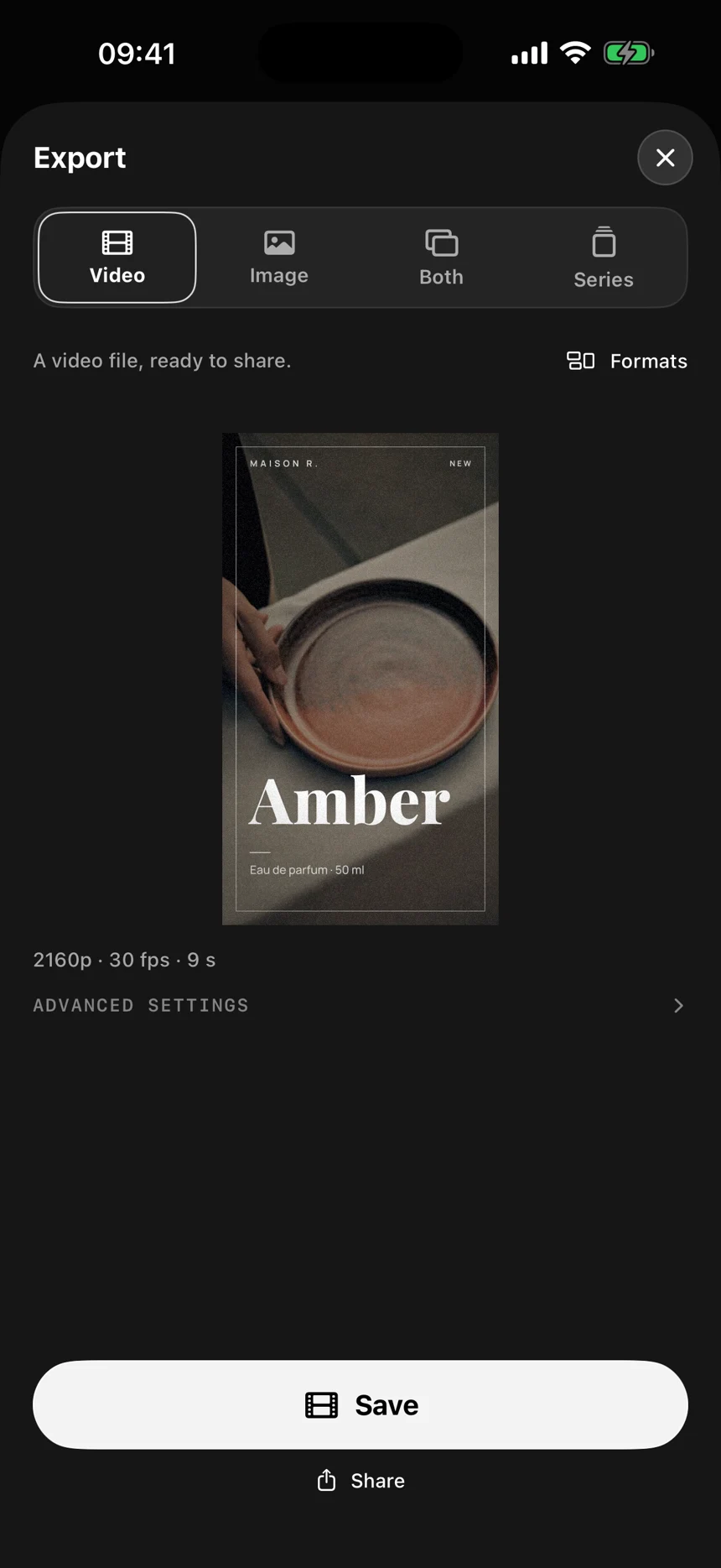
In three moves
Prepare the elements
Keep the text, logo or shapes you want to overlay. Remove the opaque background and check the preview.
Choose transparency
In supported export options, choose an alpha format such as ProRes 4444 or HEVC with transparency.
Overlay in your editor
Import the file above your main video and check that the software preserves the alpha channel.
Titles, signatures and overlays
An animated signature, on-screen name or opening title can sit above several videos. Reuse the same animation without rebuilding its movement in every edit.
Choose a compatible format
Transparency depends on the codec and the app reading the file. Standard MP4 does not preserve this transparent background. Before a full export, check that your editor supports the chosen format and its alpha channel.
Questions about this use
Why does the background look black in some players?
A player may show transparent areas on black, or may not support alpha. Check the file in the editing software where you intend to use it.
Can I post this file straight to social media?
Not all platforms preserve alpha. For a regular post, composite the animation in your edit first, then export the complete video.