Animated logo
Your logo takes on movement.
Start with a logo you imported or created in Motionless. Explore animations, choose a presentation and prepare a signature for your videos. Your identity’s colors and typeface stay close at hand.
In three moves
Choose your logo
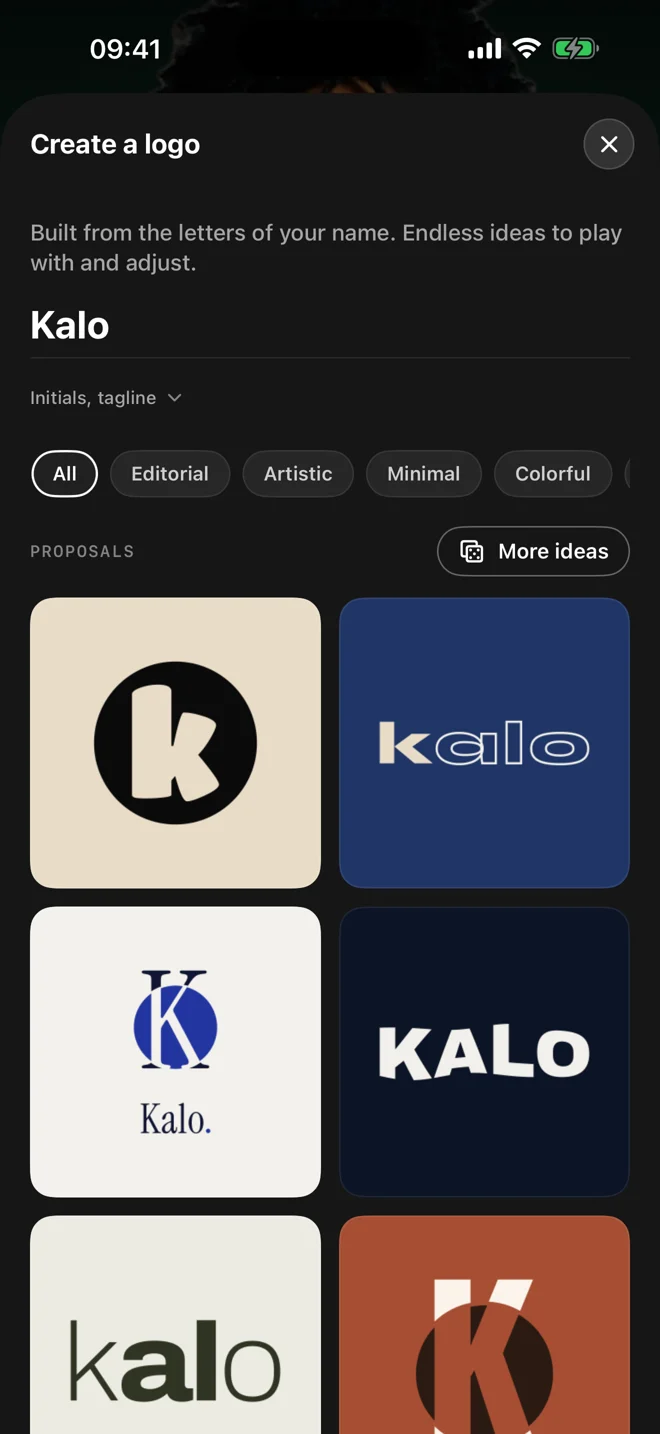
Import an image of your logo or find one you created in the app.
Explore animations
Compare movements and their variations. Check that the symbol and name stay readable.
Prepare the signature
Export your animation or use a closing signature in your creations.
A signature that lets the logo read
Choose movement suited to the logo’s shape and leave time to read it at the end. A short signature can close a product presentation or a video series. A brand kit keeps colors consistent between creations.
Questions about this use
Can I animate a logo made in Motionless?
Yes. Start in the logo maker, then find the result in your identity to add movement.
Can I overlay the logo on another video?
Prepare a transparent export in a format your editing software supports. Check that it preserves the alpha channel when imported.